Guide · wallets
Link X wallets → Telegram
X and Telegram start separate. Signing in on the site / tweeting @floroBotRH creates one pair of wallets. Opening @flororhbot creates another. Same execution engine — different custody identities until you import.
Why
Telegram users are provisioned as their own FLORO identity (via Privy). To trade the bags you already funded on X/web, export those keys and import them into the TG desk. After import, TG trades use your X/web addresses.
- 01
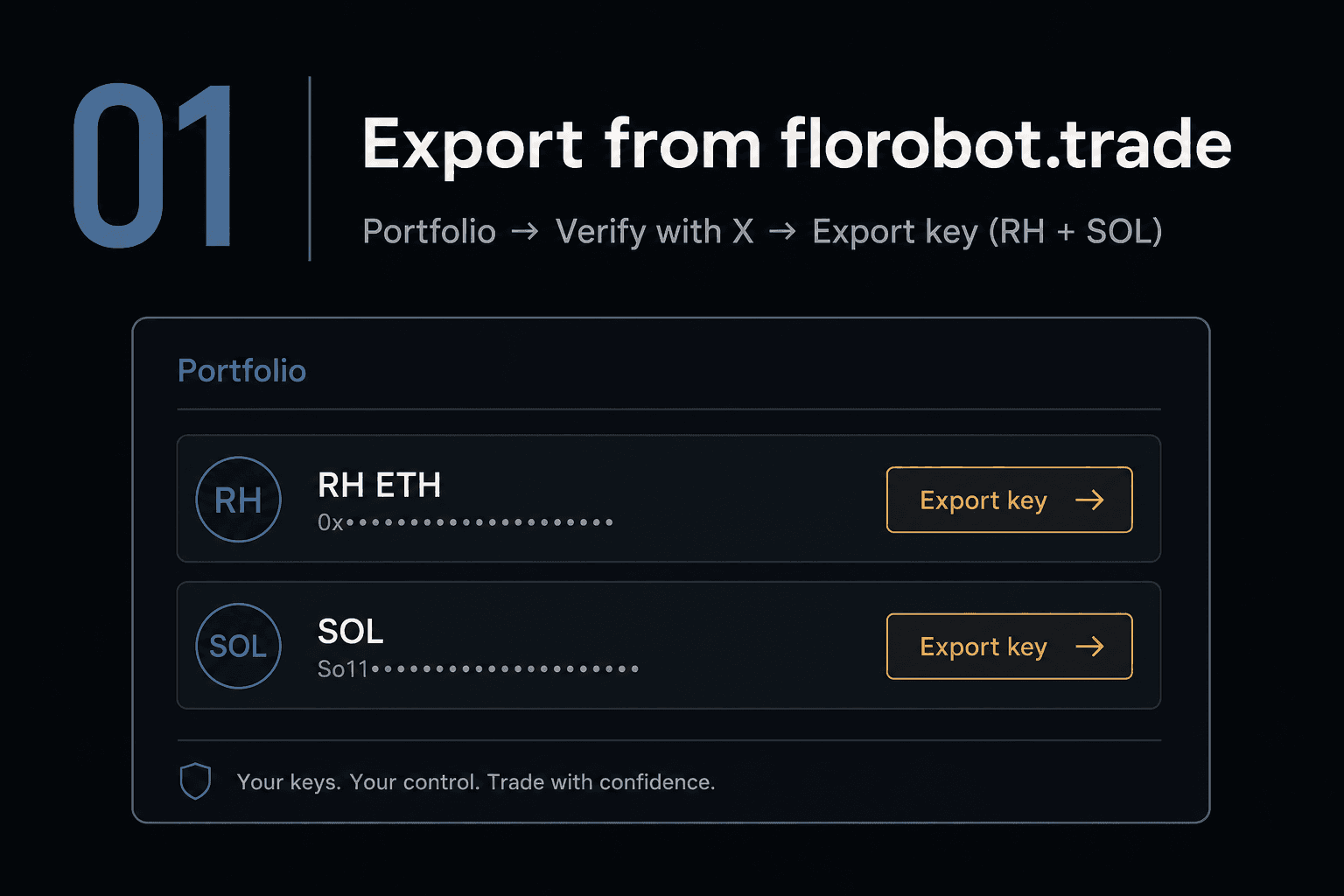
Export from florobot.trade
Sign in with X on Portfolio. Under Deposit · export keys: Verify with X, then Export key for Robinhood (EVM) and Solana.
- 02
Store keys offline
Copy the RH private key (
0x…) and the SOL key (base58). Save them somewhere private. Never paste keys in groups, public tweets, or random DMs.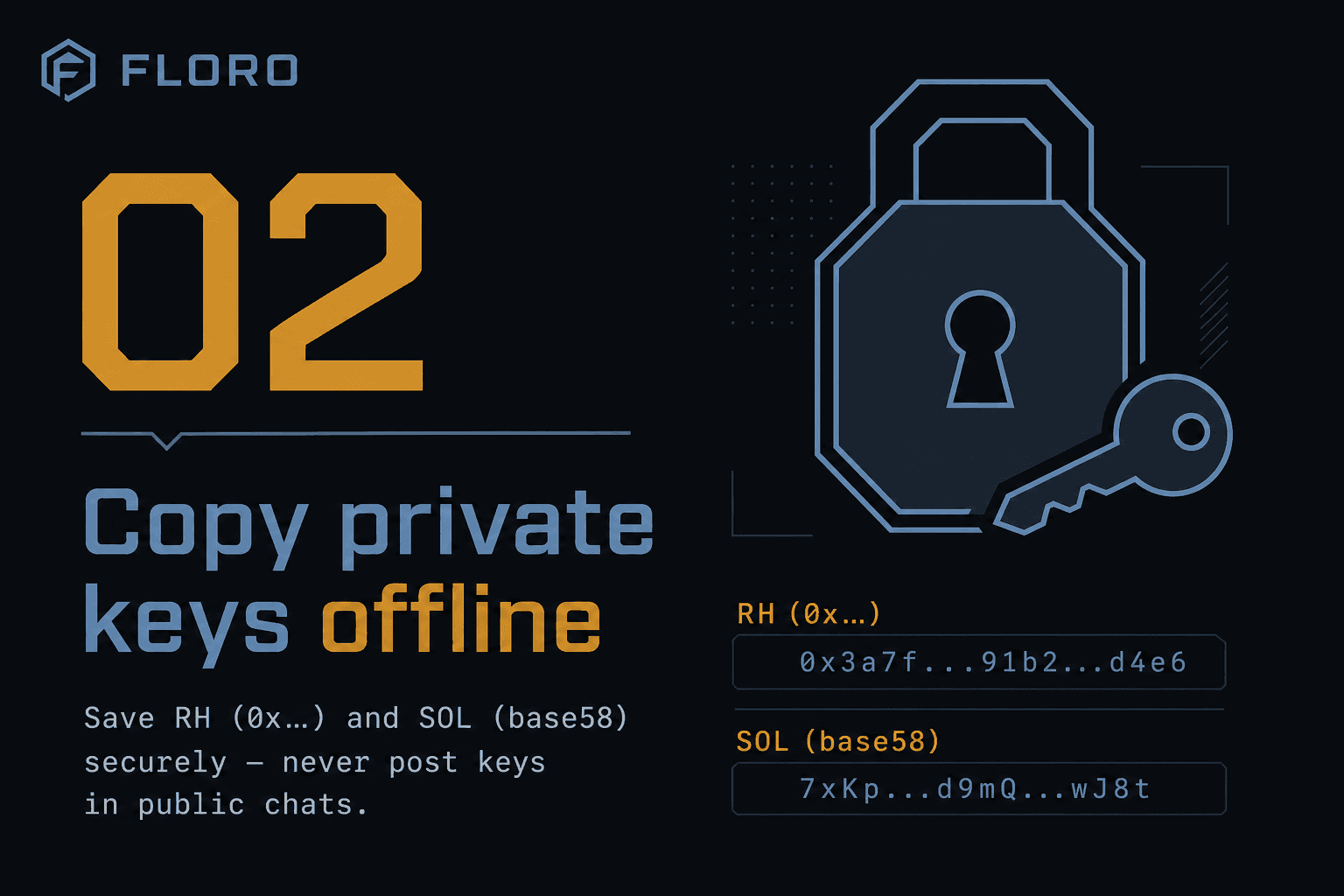
- 03
Import in @flororhbot (DM only)
Open @flororhbot, run
/start, then send (private chat only):/import_rh <0x private key>/import_sol <base58 secret key>
Delete those messages after you see ✅.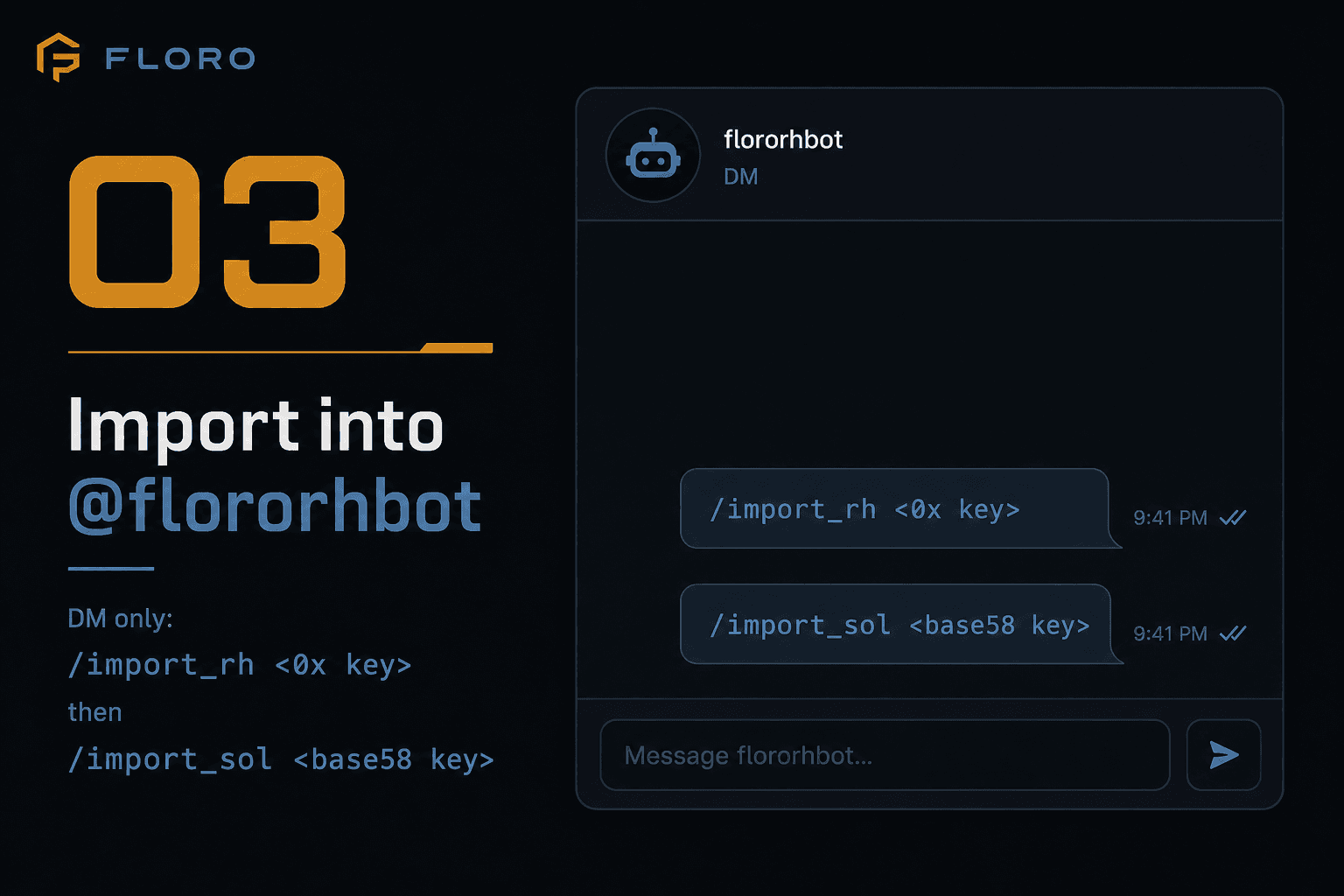
- 04
Confirm same addresses
In TG:
/wallets. On the site: Portfolio. RH and SOL addresses should match. Imported wallets become active for buys/sells/rotates/TP-SL. Switch back with/use_primaryif needed.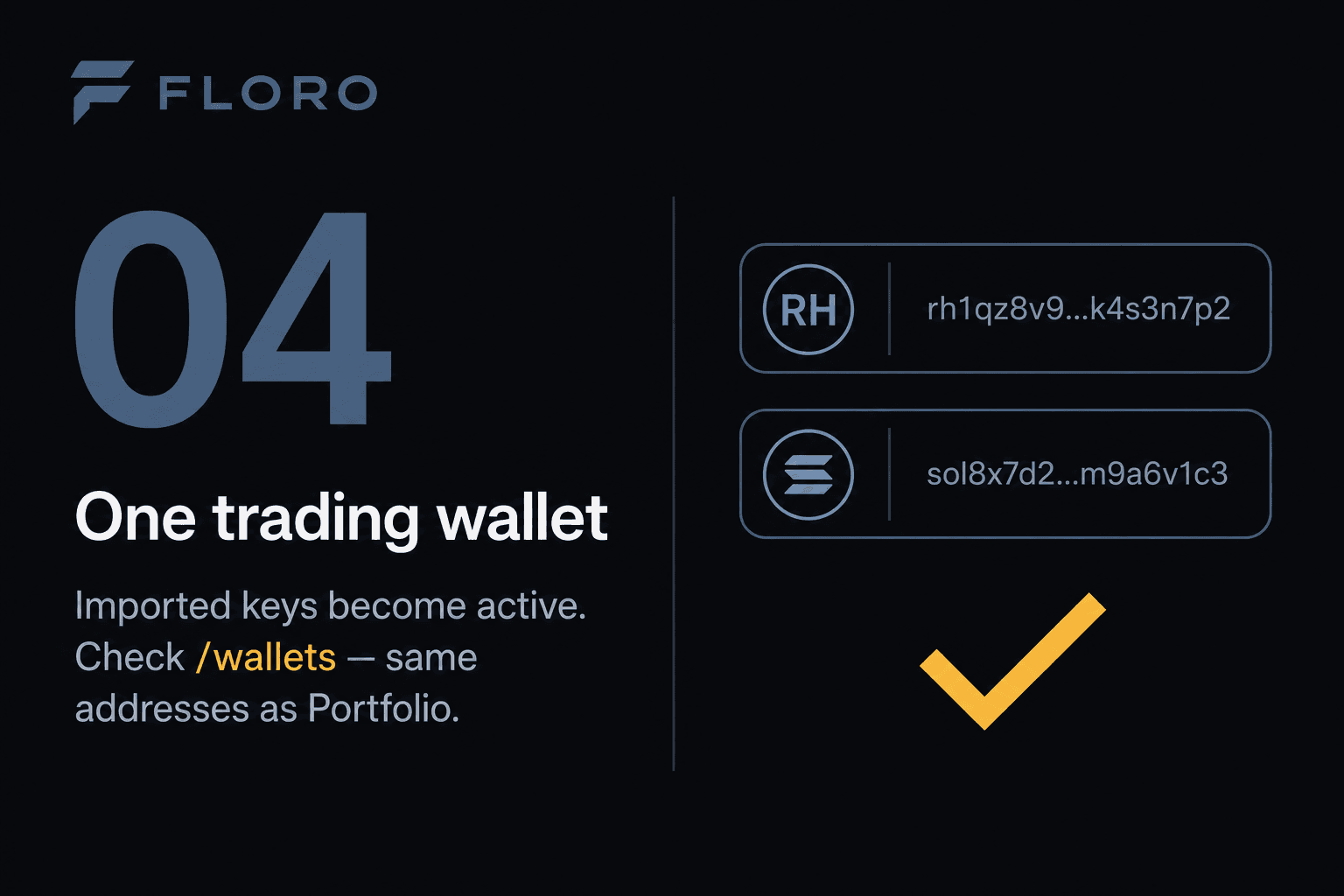
Safety
- Import only in a private DM with @flororhbot — never in groups or channels.
- FLORO does not keep the raw key after Privy import. Delete the TG messages with keys.
- Anyone with the key controls the funds. Treat export like cash.
- Cap: a few imported wallets per chain. See Import in the bot menu.